
How to List Your Venue and Get Booked Faster on Someone's Plan
Learn how to list your venue on Someone’s Plan, receive relevant booking requests, submit bids, present your space, and grow future reservations.
27 Jul 2026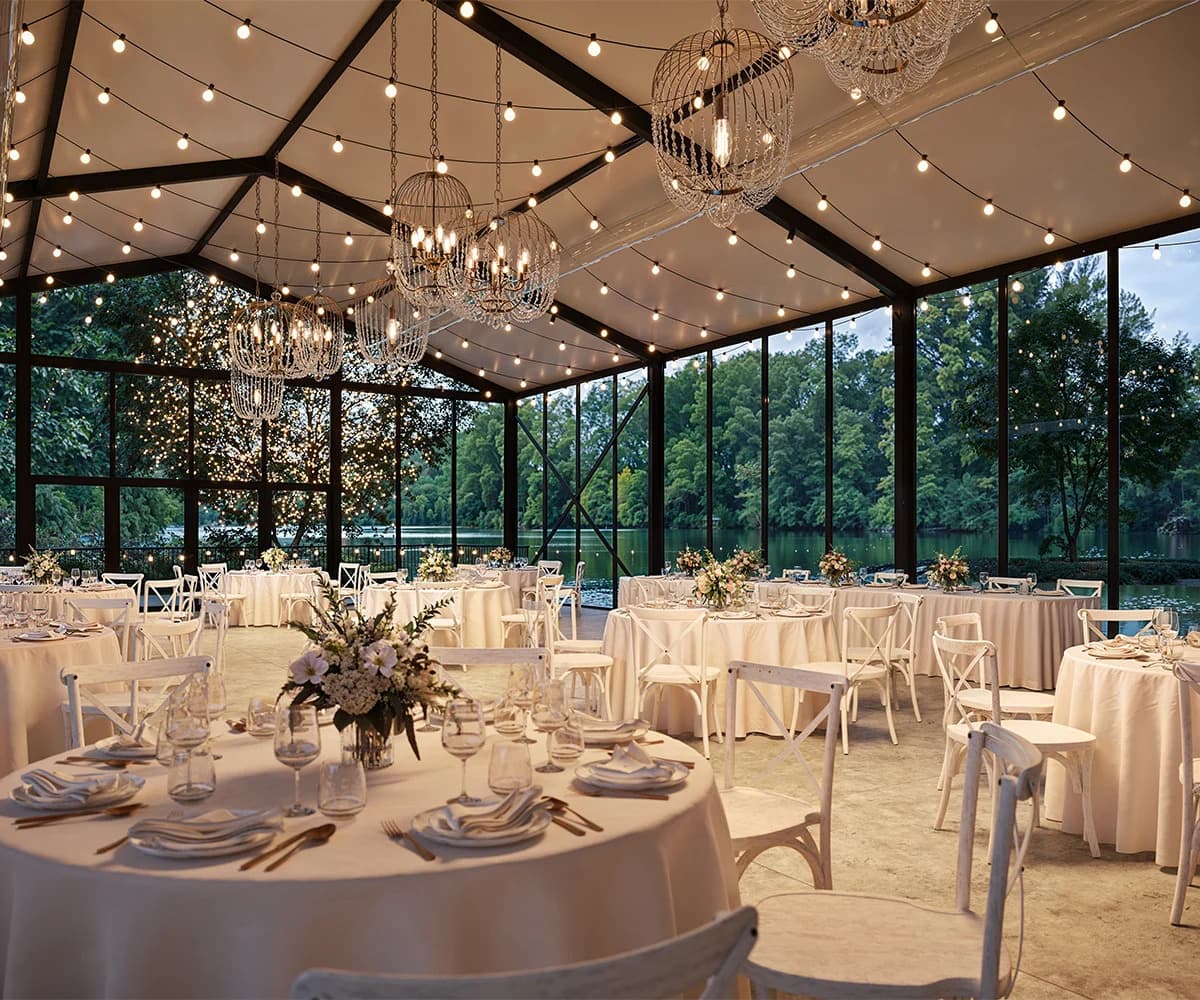
Venue ownership is an opportunity at Someone’s Plan. You may have a beautiful place, a strong location, and a calendar with open dates, yet bookings still depend on the right people seeing the right information at the right moment. Someone’s Plan gives venue providers a direct route to event owners and PRO Planners who already need a place for a real event.
Hotels, villas, restaurants, rooftops, galleries, yachts, studios, cafés, and commercial properties can join as Venue Providers. Owners and authorized managers can register their spaces, complete venue details, receive suitable event requests, and decide which requests to bid on.
Your Venue Deserves More Bookings: Here’s Where to Begin
More bookings often begin with better information rather than louder promotion. Event owners want to understand the space quickly. They want capacity, location, facilities, access details, and booking conditions in plain language.
Someone’s Plan uses venue information during its matching process. Complete details help the system send suitable requests to your listing. Capacity matters. Event categories matter too. Parking, curfew, technical facilities, and access notes can affect which events reach your dashboard.
Think like the person planning the event. They have a date and guest count. They also have pressure. Your profile should answer their first questions and give them a reason to keep reading.
Why Venue Owners Choose Someone’s Plan
Venue owners join Someone’s Plan because the platform connects them with active event demand through a bidding system. Event Owners and PRO Planners create requests, share event details, and select venue needs during event creation.
Matching Venue Providers receive a notification. The provider reviews the date, event type, location, and guest count. A bid enters the event flow when the venue suits the request, and the date fits the calendar.
Such a model gives venue providers a choice. You decide which requests deserve a response. Your listing reaches organizers whose event details suit your venue’s main features.
Getting Started With Your Venue Provider Profile
Venue Provider registration begins with an individual or company account. Anyone who legally owns, manages, or holds authorization to rent an event location can register.
Profile setup should include your personal or company information and all required payment details. Company users should enter the legal company name and registered address. Trade license and TRN details may also apply.
Venue details belong inside the My Venues section. One company profile can support several individual venue listings. Each space may carry its own name, capacity, photos, facilities, rules, and booking conditions.
Photos and Details That Help People Choose Your Space
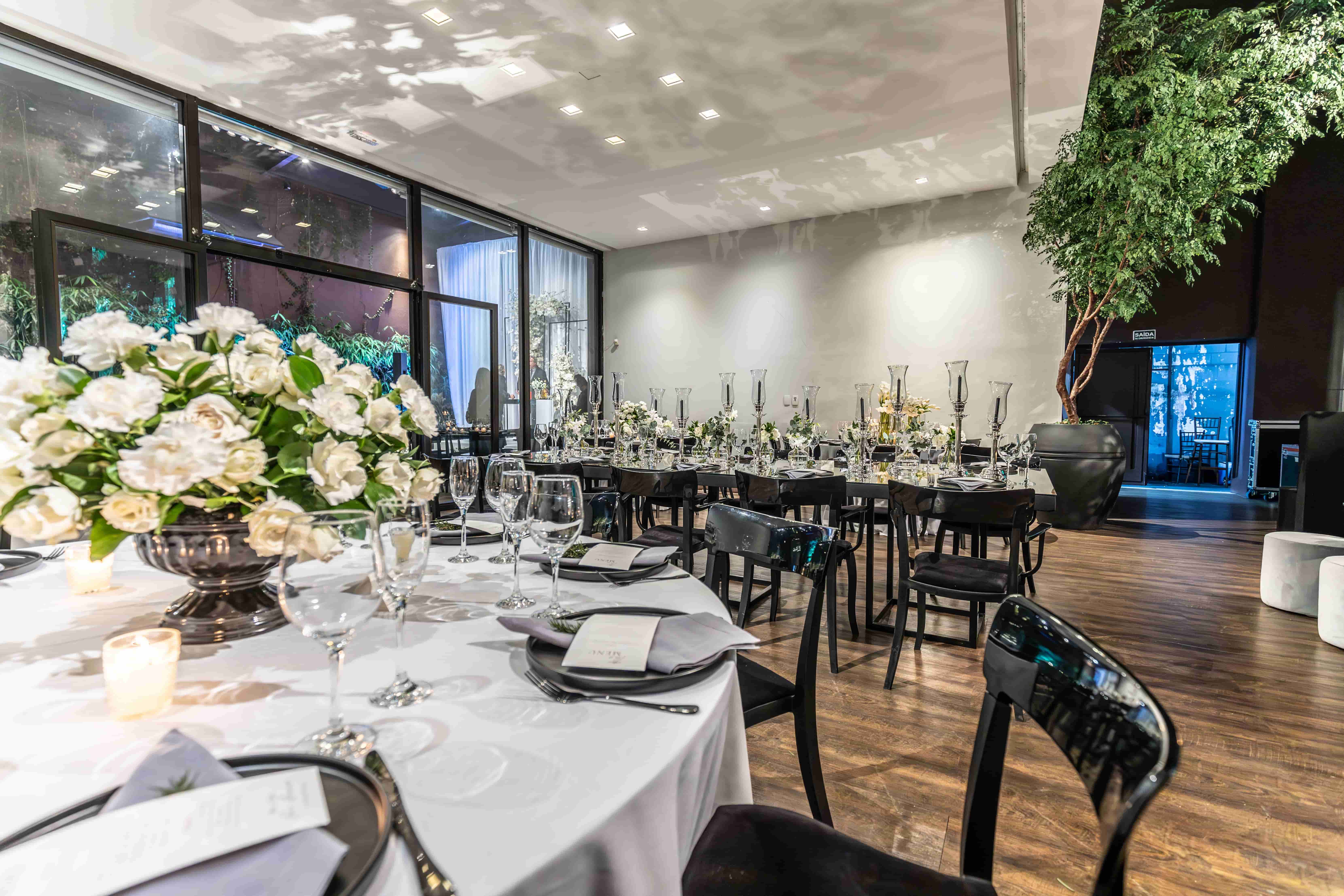
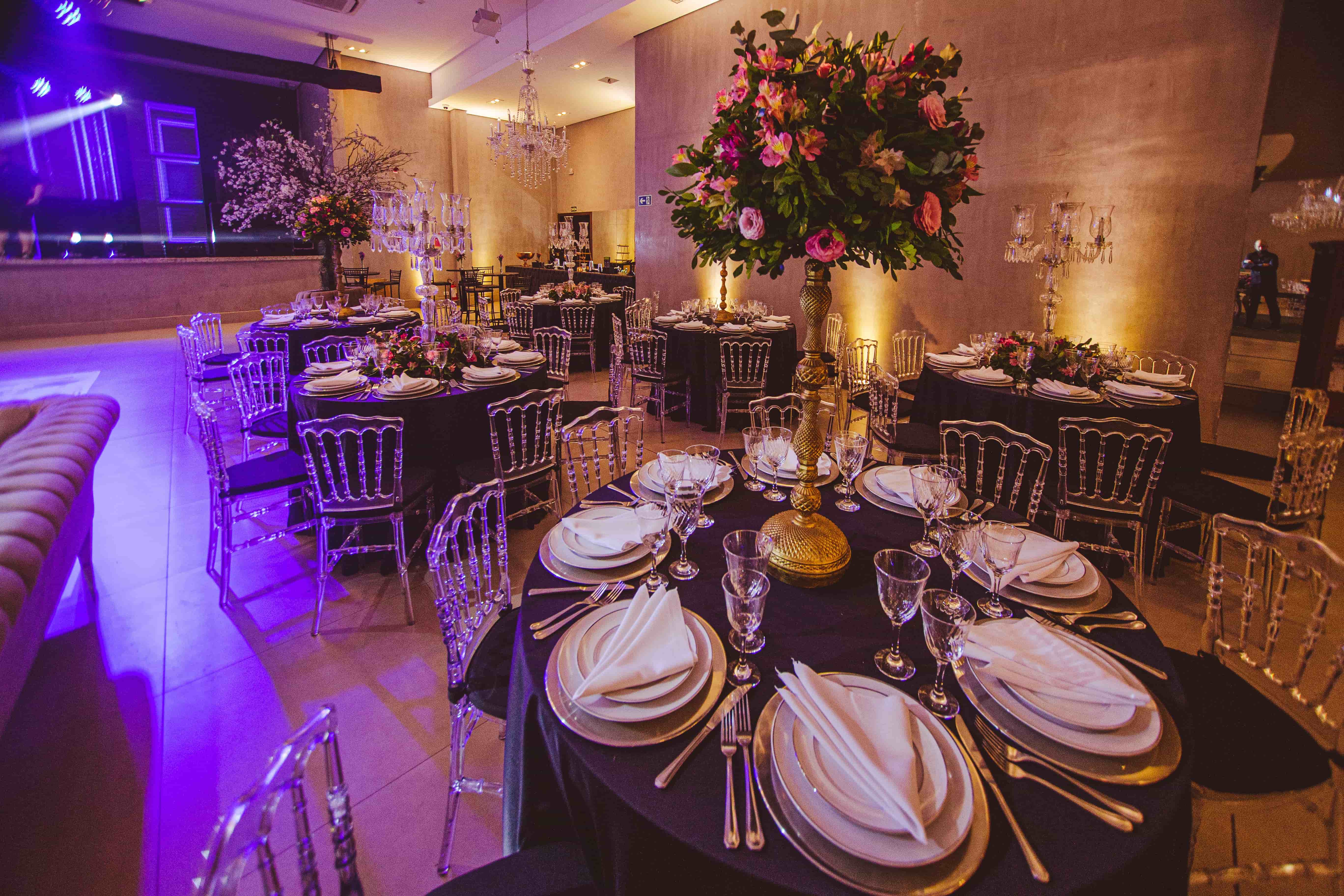
Photos often make the strongest case for your venue. Event owners need to see the entrance, guest areas, furniture, outdoor sections, and technical facilities. Honest images create trust and help organizers judge suitability.
Use current photos with good natural light. Include wide views and useful close-up views. Show seating possibilities and access points. Add the terrace or garden when it belongs to the booking.
Written details deserve equal care. State capacity in clear numbers. Mention parking and loading access. Add noise limits, curfew, and venue rules. Event owners appreciate information that respects their time.
Pricing and Availability That Work in Your Favor
Pricing should make sense for the space and the service included. Your bid can include rental time and access areas. Furniture and parking may also be included in the offer.
Venue Providers set their own prices. Service providers receive the accepted bid amount after the event is completed and the payout is released. Someone’s Plan remains commission-free for Venue Providers.
Availability stays in your hands. You receive matching requests and choose when to bid. A submitted bid indicates to the organizer that your venue is available for the event details specified in the request.
Explain What Makes Your Venue Different
Event owners consider several factors when reviewing venue bids. Price matters, yet suitability carries real power. One venue may offer a private garden. Another may offer built-in sound equipment. A third may offer easy loading access for production teams.
Use your profile to explain the features that help with real events. Mention indoor and outdoor areas. Add furniture options and technical equipment. State parking capacity and access times.
Optional services can strengthen a bid. Venue Providers may add food services and furniture. Decoration and technical help can also appear as extras. Cleaning and security may complete the package.
Understanding the Bidding Process as a Venue Provider
The bidding process begins when an Event Owner or PRO Planner creates an event request that suits your venue details. Matching depends on category, capacity, location, facilities, and other profile information.
A notification arrives in your dashboard. You review the request and decide if the event suits your space. Your bid should state the price and include facilities. Special conditions and extra services also belong in the bid note.
Event owners compare bids, profiles, photos, reviews, and badges. The lowest
price does not automatically receive preference. Organizers choose according to suitability and value.
Simple Habits That Help You Get Booked Faster
Complete profiles usually give the matching system better information. Current photos and accurate capacity details help organizers assess the space more quickly.
Fast replies also matter. Event planners often work against fixed dates. Useful answers can move your bid closer to selection.
Detailed bid notes help too. State rental hours and setup access. Include cleaning policy and security deposit terms. Clear notes reduce uncertainty and help organizers compare offers.
Positive reviews add strength over time. Completed events can also support badge progress and profile reputation.
Mistakes That Can Cost Venue Providers Bookings
Incomplete venue details can reduce the volume of suitable requests because the matching system relies on profile information. Missing capacity figures or unclear event categories can weaken the listing.
Old photos can create confusion when the venue has changed. Vague pricing can
also slow the decision. Organizers need a full view of what the fee includes.
Late replies may result in the organizer being sent to another venue. Cancellations after acceptance can affect reviews and badges. Accurate availability and steady communication protect your account’s reputation.
How Your Payments Stay Protected
Someone’s Plan processes venue bookings through its secure payment flow—event Owners or PRO Planners complete payment on the platform after selecting
the bid.
Funds remain protected until event completion. Venue Provider payouts usually arrive within 48 to 72 hours after the event when payout requirements are complete.
Company accounts upload a PDF invoice and submit a payout request after the event. Individual accounts follow the payout instructions shown in the dashboard.
Weddings, Corporate Events, and Other Booking Options
Different venues suit different event types. Villas may suit private parties and weddings. Conference centers may suit business meetings and exhibitions. Galleries may suit launches and artistic events.
Rooftops can host social gatherings and brand events. Restaurants can host dinners and company celebrations. Studios can host media work and product launches.
Someone’s Plan supports a wide selection of venue categories, including hotels, yachts, cafés, gardens, warehouses, and private estates. Your profile details help suitable event requests reach your listing.

Ready to Fill Your Calendar? Add Your Venue Today
Empty dates carry real commercial value when your venue appears in front of people who already need a place. Someone’s Plan gives venue providers a practical way to add listings, receive suitable requests, and submit their own prices.
Good results begin with complete information and honest photos. Useful bid notes and quick replies help the organizer make a decision.
Add your venue through My Venues. Enter capacity and facilities. Upload current media and write clear booking conditions. The next request may suit your space exactly.
 Instagram
 Youtube
 Facebook
 Linkedin
 Twitter